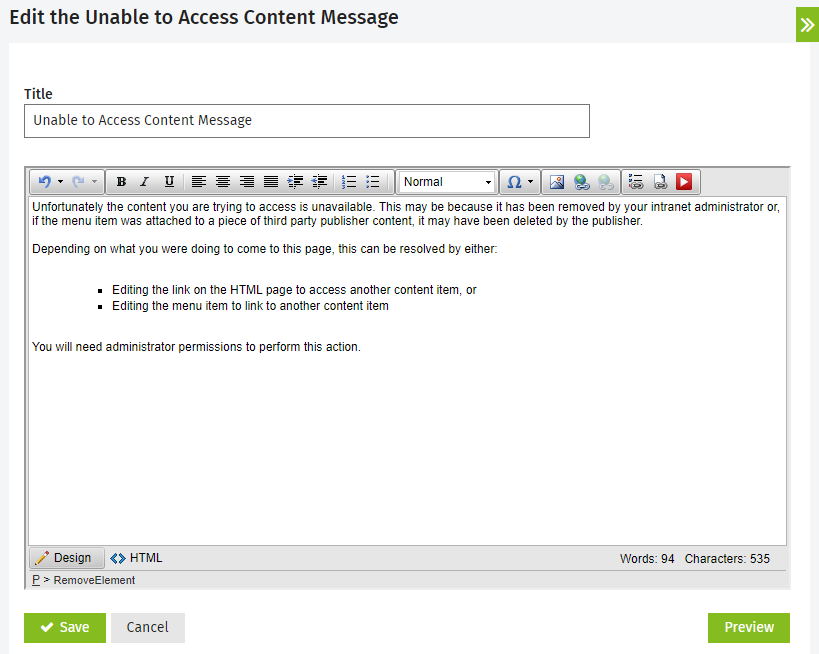
Customize the Unable to Access Content message
You can edit the message shown to users when content can not be accessed via links and menus.
- Go to Settings > Intranet > Edit Unable to Access Content Message.
- Edit the default message:
- Title - this is what will show in the Page Header.
- Content - this is the error message.
- Click Preview to open a new window and see what the HTML page will look like when a user clicks a relevant link.
- Click Save.